Get Started
Download Launcher
The Crossroads Launcher handles everything — client files, updates, and login. Just download, run, and play.
Download for WindowsAntivirus Warning — False Alarm
Windows SmartScreen or your antivirus may flag the launcher or the files it downloads as suspicious. These are false positives — the launcher and all downloaded files are safe. The warnings appear because the files do not have a code signing certificate, which is common for small independent projects. If you are not comfortable with this, you can procure your own client files and connect to The Crossroads manually.
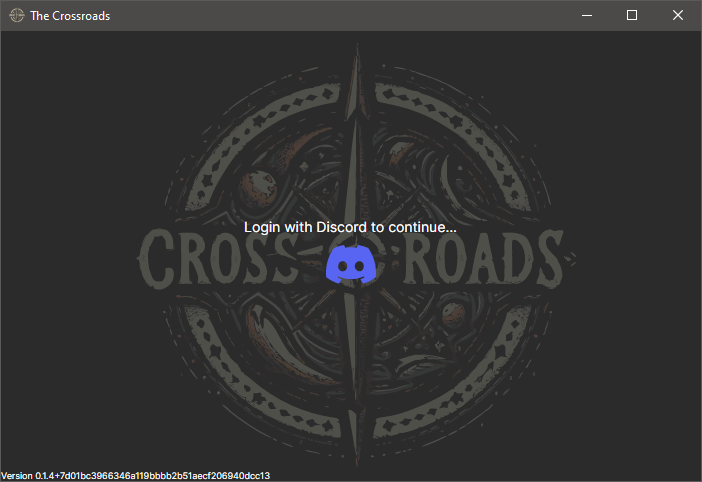
Upon running for the first time, you will be prompted to log in to Discord.
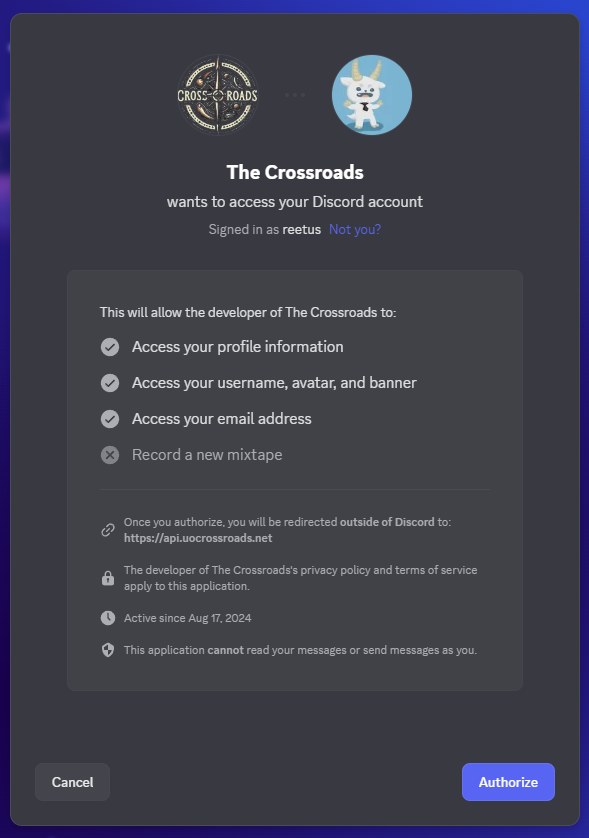
Clicking the Discord button will launch your web browser to authorize the Discord login. Click 'Authorize' to grant the launcher access.
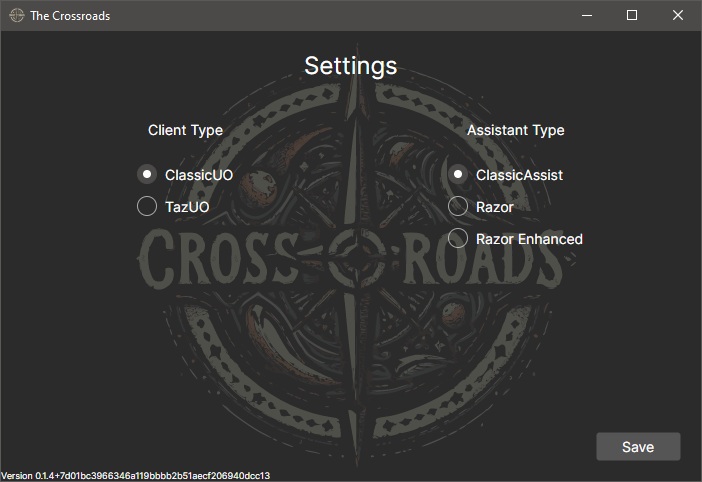
Once you've clicked authorize, return to the app and select your preferred Client/Assistant type.
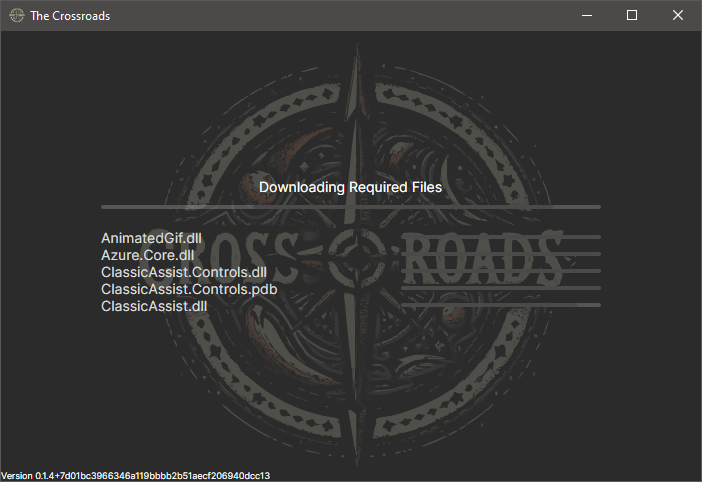
The launcher will then begin to download the required files.
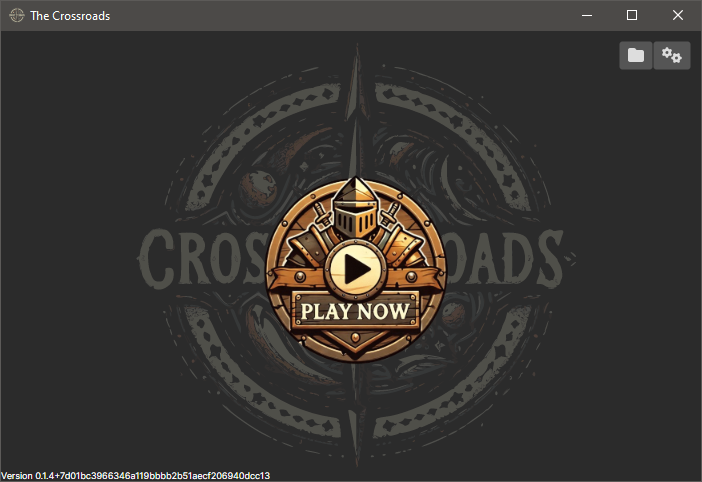
Once the required files are downloaded, click 'Play Now' to launch the game.
Encountering issues? Visit our Discord and let us know — happy gaming!